

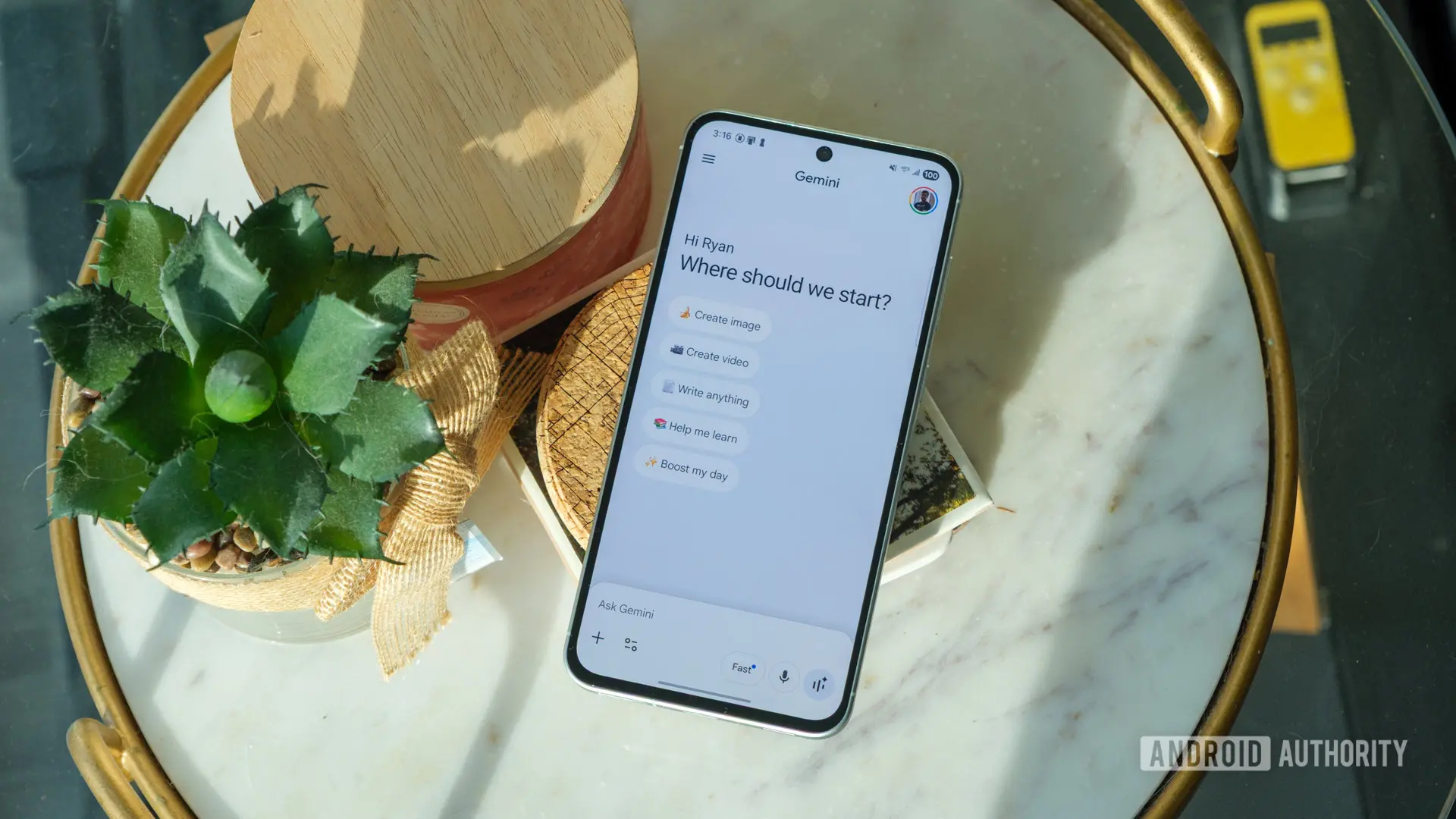
Google has introduced a series of refinements to its Gemini app, designed to streamline the user interface and offer more granular control over notifications. These changes, which are gradually rolling out to users, follow a broader redesign that began a few months ago. The updates touch on three key areas: thinking levels, notification management, and the Gemini Spark interface.
Streamlined Thinking Levels
One of the most notable changes is the simplification of the model picker dropdown menu under the 'Thinking Level' section. Previously, users could choose between 'Standard' and 'Extended Thinking' options. The 'Standard' level represented the default reasoning mode, while 'Extended Thinking' allowed the model to devote more computational resources to complex queries, potentially yielding deeper or more nuanced responses.
Now, only 'Extended Thinking' remains as a selectable option. The decision to remove 'Standard' stems from its redundancy: since it was the default, users rarely needed to actively select it. By eliminating this extra step, Google reduces cognitive load and makes the interface cleaner. For users who prefer the default behavior, no action is required. Those who want to enable a deeper reasoning mode can still do so with a single toggle.
This change also aligns with Google's broader trend of simplifying AI interaction. Other assistants, such as ChatGPT, offer similar modes (e.g., GPT-4 vs. GPT-4 Turbo), but they often require navigating through multiple menus. Gemini's approach is more streamlined, focusing on the most essential choice. The move suggests that Google is confident in the default model's performance and wants to reserve 'Extended Thinking' for edge cases where extra analysis is beneficial.
New Notification Controls
The Gemini app now includes a revamped notification settings menu, giving users finer control over what alerts they receive. Within the app settings, toggles are available for four categories: Daily Brief, Scheduled actions, Responses, and Product updates and tips.
- Daily Brief: A morning summary of weather, calendar events, reminders, and news. This feature is popular among users who rely on Gemini as a daily assistant.
- Scheduled actions: Notifications for tasks like timers, alarms, and reminders that the user has set.
- Responses: Alerts when Gemini generates a response that may require follow-up or when a long-running request completes.
- Product updates and tips: Promotional messages about new features, tips for using the app, and updates from Google.
All toggles are enabled by default, but users can now disable any of them. Previously, notification management was less granular; users could only turn off all Gemini notifications or none. The new system addresses a common complaint from users who felt overwhelmed by unsolicited tips or feature announcements. Now, power users can keep essential alerts while muting marketing communications.
This change reflects Google's increasing focus on user autonomy and privacy. By offering granular controls, the company hopes to reduce notification fatigue and improve overall satisfaction. It also positions Gemini more favorably against competitors like Apple's Siri and Amazon's Alexa, which have long offered customizable notification settings.
Gemini Spark UI Overhaul
Gemini Spark, the task management companion that recently expanded to several new regions, is also receiving a visual refresh. The app now features a top navigation bar with category chips: 'All', 'Scheduled', 'Needs input', 'In Progress', and 'Completed'. These chips allow users to quickly filter tasks without scrolling through endless lists.
In addition, the menu button that was previously located in the top-right corner has been replaced with a search icon. Tapping the search icon lets users look up tasks by name or keyword. This change streamlines navigation and puts search functionality front and center, which is more intuitive for users managing large numbers of tasks.
The new interface aligns Gemini Spark with modern task management apps like Todoist and Microsoft To Do, which also use category tabs and instant search. By adopting familiar design patterns, Google lowers the learning curve for new users. The expansion to new regions—including parts of Asia and Europe—suggests that Google sees Gemini Spark as a key differentiator in the productivity space.
Broader Context: Google's UI Philosophy
These changes are part of a larger effort by Google to refine the user experience across its AI products. The original Gemini app launch featured a somewhat cluttered interface with multiple overlapping menus. Over the past year, Google has steadily simplified the layout, reducing the number of steps required for common actions.
For example, earlier updates introduced a floating action button for quick questions, a persistent chat history sidebar, and a more prominent voice input button. The removal of the 'Standard' thinking level is a natural progression. Similarly, the notification controls address a feature request that has been on forums since Gemini's beta release.
Google's strategy appears to be iterative: release a broad feature set, then gather user feedback to remove friction points. This approach contrasts with Apple's more conservative rollout, where features are often thoroughly tested before widespread availability. However, the downside is that some users may experience temporary confusion during the transition period. For instance, long-time users accustomed to the old thinking level selector might initially wonder where the 'Standard' option went. To mitigate this, Google could include a brief onboarding explanation when the update is first applied.
Technical Implications of Thinking Levels
To fully appreciate the thinking level change, it's helpful to understand what 'Extended Thinking' entails. Gemini's architecture allows for variable-depth reasoning. By default, the model processes requests with a standard chain-of-thought, which balances speed and accuracy. 'Extended Thinking' activates a more elaborate chain-of-thought process, where the model explicitly breaks down the problem into sub-steps, considers alternative solutions, and verifies its own reasoning before responding.
This mode is particularly useful for complex tasks such as mathematical problem-solving, logical puzzles, multi-step planning, and code debugging. For everyday queries like weather checks or simple facts, Extended Thinking is unnecessary and would add latency. By keeping 'Extended Thinking' as an optional toggle, Google gives users the flexibility to trade speed for depth when needed. The removal of 'Standard' as a separate option doesn't change this functionality—it only simplifies the interface.
From a development perspective, this change also reduces the maintenance burden. With only one toggle instead of two, the UI team has fewer states to test and style. It also makes A/B testing simpler, as there are fewer variables. This efficiency gain is likely why Google chose this path rather than adding new levels like 'Creative' or 'Precise.'
Rollout and Availability
As with many Google updates, the rollout is staggered. Some users already see the new thinking level selector and notification controls on their devices, while others may not see them for days or weeks. This phased approach allows Google to monitor server load and fix any bugs before global release. The Gemini Spark UI update appears to be more widely available, possibly because it's a client-side change that doesn't affect backend performance.
Users who haven't received the update can force it by checking for app updates in the Google Play Store or Apple App Store. Clearing the app cache or restarting the device may also trigger the update. However, Google recommends patience, as server-side switches can take time to propagate.
These updates are part of a larger momentum for Google's AI ecosystem. With the recent expansion of Gemini Spark, the introduction of Gemini Live for real-time conversation, and ongoing improvements to search integration, Google is aggressively competing with OpenAI's ChatGPT and Microsoft's Copilot. The UI refinements may seem minor, but they collectively enhance the user experience and signal Google's commitment to making Gemini a daily driver for millions of people.
Source:Android Authority News