

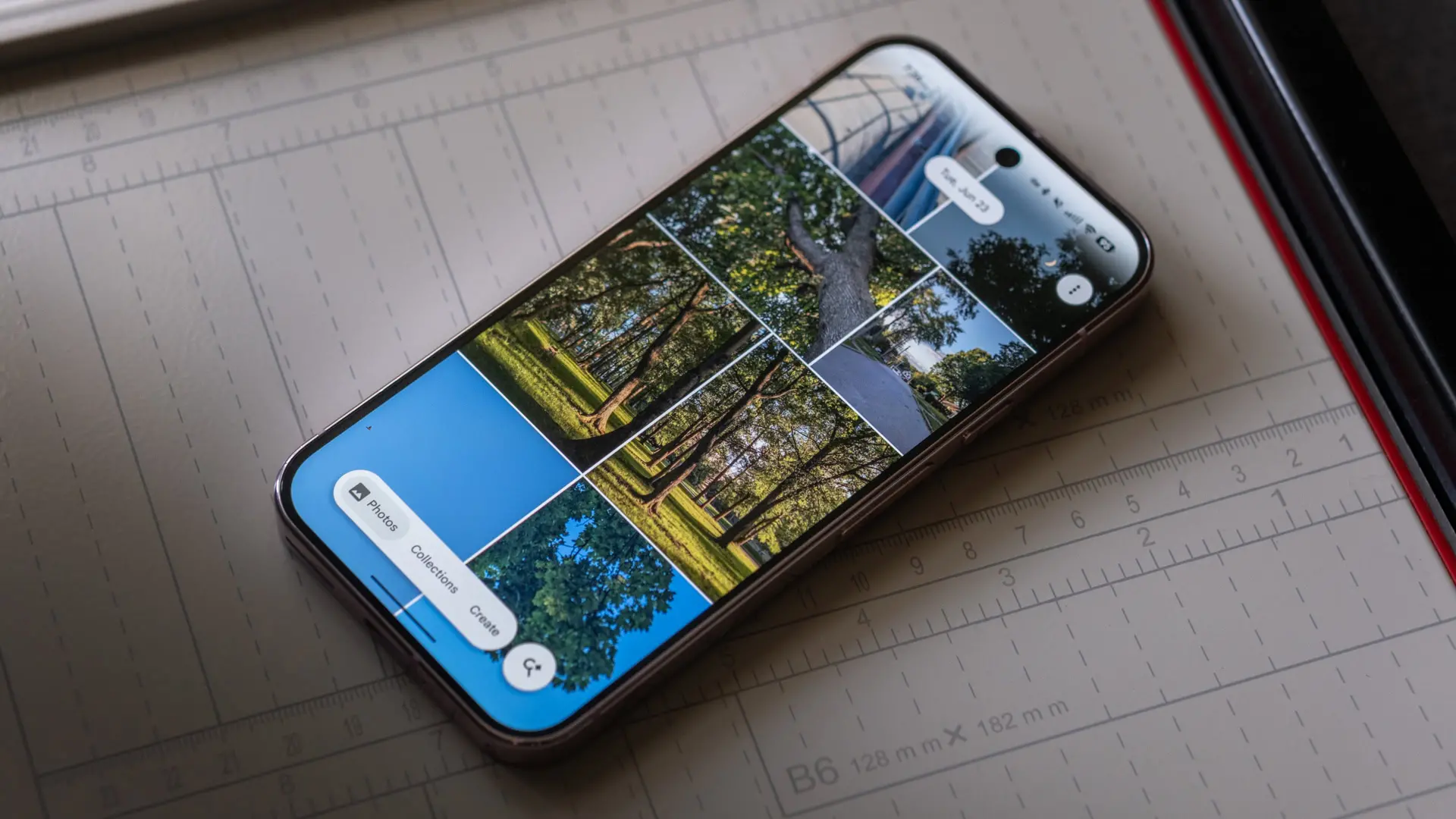
Google Photos has finally answered the calls of users who found its shimmer animation more distracting than delightful. The update, rolling out with version 7.85, adds a simple toggle to switch off the shimmer effect that has been a point of contention since its introduction. Alongside this tweak, Google has also introduced a new AI camera shortcut that allows users to capture photos instantly for AI-powered edits, further expanding the app's capabilities.
The Shimmer Effect: A Love-It-or-Hate-It Feature
The shimmer effect in Google Photos was originally designed to make the gallery feel more dynamic and alive. When scrolling through thumbnails, a subtle wave of light would sweep across the images, mimicking a glossy or metallic sheen. While some users appreciated the visual flair, others found it annoying, especially when trying to quickly locate a specific photo or browse through a large collection. Over time, the shimmer became one of the most requested features to be made optional.
Google's decision to add a toggle is a recognition that not every user wants the same interface experience. In recent years, major tech platforms have moved toward offering more customization options, allowing users to tailor apps to their preferences. The shimmer toggle is a small but meaningful step in that direction for Google Photos.
How to Turn Off the Shimmer Animation
Disabling the shimmer effect is straightforward. Here are the steps:
- Open the Google Photos app on your Android phone.
- Tap your profile picture icon in the top-right corner.
- Navigate to Photos settings.
- Open Preferences.
- Tap Photos view in the Preferences section.
- Disable the toggle beside Show shimmer.
It's important to note that the setting is turned on by default, so users who prefer a static, cleaner look will need to manually disable it. The option appears to be available only in Google Photos version 7.85 or later. If you don't see it, check for updates in the Google Play Store.
The toggle was first spotted by Android Authority in a teardown of a beta build, so its arrival has been anticipated. Now that it's rolling out, users on various devices, including the OPPO Find X9 Pro, have confirmed its presence.
Beyond the Shimmer: A New AI Camera Shortcut
Google hasn't stopped with the shimmer toggle. The update also introduces a faster way to capture photos specifically for AI-powered edits. This new AI camera shortcut appears as a dedicated button within Google Photos, allowing users to instantly snap a picture and then apply AI enhancements like Magic Eraser, Photo Unblur, or Portrait Light. Previously, users had to exit the Photos app, open their camera, take a photo, and then reopen Photos to edit. Now the process is streamlined into a single action.
This feature is part of Google's broader push to integrate AI more deeply into its ecosystem. The AI camera shortcut is designed to save time and encourage experimentation with advanced editing tools. According to early reports, the feature works seamlessly with Google's existing AI models, which can automatically adjust exposure, remove objects, and enhance details in real-time.
How the AI Camera Shortcut Works
When you tap the AI camera shortcut, the Photos app opens a simplified camera interface that is optimized for capturing images meant for AI editing. There's no need to open a separate camera app. Once you take a photo, it immediately appears in a dedicated editing workspace where you can apply various AI features. The most notable are:
- Magic Eraser: Removes unwanted objects or people from the background.
- Photo Unblur: Sharpens blurry images using machine learning.
- Portrait Light: Adjusts lighting on faces even after the photo is taken.
- Suggestions: The AI may automatically propose edits based on the image content.
The shortcut is particularly useful for moments when you need a quick edit without going through multiple steps. It also encourages users to explore AI features they might not otherwise try.
Background: The Evolution of Google Photos Customization
Google Photos has always been a leader in photo management and editing, but its interface choices have sometimes sparked debate. The shimmer effect was introduced in 2024 as part of a design refresh that emphasized motion and liveliness. At the time, Google argued that subtle animations made the app feel more responsive and engaging. However, user feedback quickly revealed a divide: while some enjoyed the polish, others found it unnecessary or even distracting.
This isn't the first time Google has responded to user feedback about interface preferences. In the past, the company has added options to change the grid size, disable automatic enhancements, and choose between light and dark mode. The shimmer toggle continues that trend of giving users more control. It's also worth noting that Apple's Photos app has long offered a cleaner, static interface, and many Android users have expressed a desire for similar simplicity.
The Impact on User Experience
For power users who spend hours organizing and editing photos, the shimmer effect could cause visual fatigue. By removing it, Google allows those users to focus on content without unnecessary motion. Casual users, on the other hand, may never notice the change, but those who disliked the shimmer now have the option to eliminate it.
The AI camera shortcut is likely to have a broader appeal. It reduces friction between capturing and editing, which is especially valuable for social media enthusiasts, content creators, and anyone who wants to quickly improve a photo before sharing. Combined, these two updates show Google's commitment to listening to its users while also pushing forward with innovative features.
Technical Details and Availability
The shimmer toggle and AI camera shortcut are part of Google Photos version 7.85, which is being rolled out gradually via the Google Play Store. The rollout started in late July 2026, and it may take several weeks to reach all users. Both features are available on Android devices running Android 12 or later. iOS users may see similar updates in future versions, but as of now, the changes are Android-specific.
To check your version, open Google Photos, go to Settings, and look for the app version number. If you don't see the toggle, ensure your app is updated and restart it. In some cases, server-side activation may be required, so patience may be needed.
Looking Ahead: More Customization in the Works?
Google's willingness to add this toggle suggests that the company is paying attention to the diversity of user preferences. There is speculation that other visual effects—such as the parallax scrolling or the loading animations—could also become optional in future updates. The AI camera shortcut hints at deeper integration of AI into the core photo-taking process, which could eventually lead to a full-fledged camera mode within Google Photos that leverages Google's computational photography expertise.
For now, users can enjoy a cleaner gallery and a faster route to AI-enhanced editing. The shimmer toggle may seem like a minor change, but for those who have long requested it, it's a welcome relief. The AI camera shortcut, meanwhile, represents a step toward a more unified and intelligent photography experience within the Google ecosystem.
Source:Android Authority News