

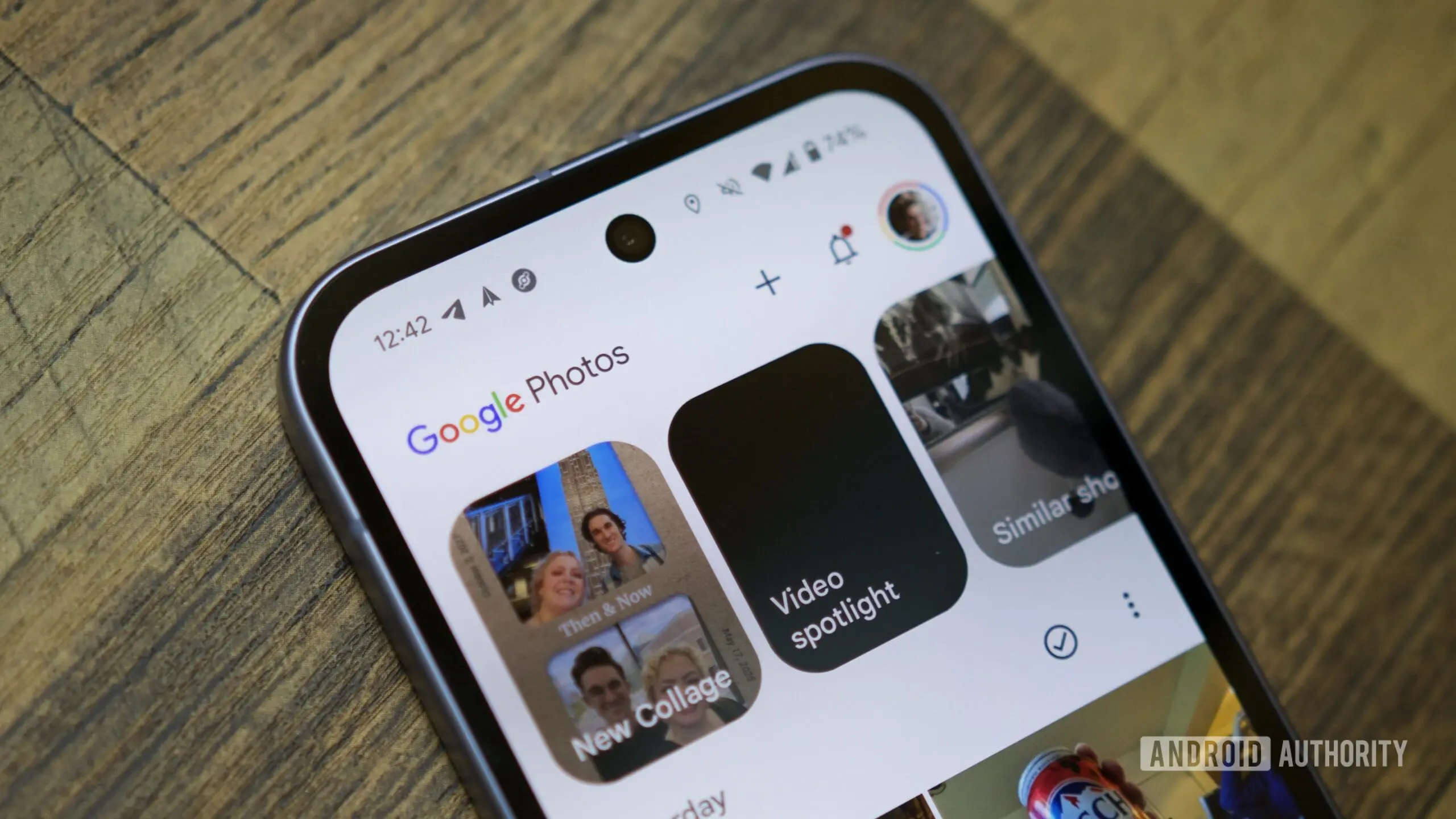
Google Photos continues to evolve its AI-powered editing suite with a practical quality-of-life improvement. The app now includes a floating camera button within several generative AI tools, allowing users to capture a new photo without leaving the interface. This update, announced recently, is part of a broader push to make AI editing more accessible and intuitive for everyday users.
How the new camera button works
When users open tools like Photo Remix or Photo to Video from the Create tab, they are typically presented with a photo picker to select an existing image as the base for AI edits. The new update adds a floating action button—a camera icon—directly on top of this picker. Tapping the button instantly brings up the camera viewfinder, enabling the user to snap a new picture. Once captured, the photo appears in the picker and can be selected for editing immediately. The entire workflow stays within Google Photos, removing the need to switch to the dedicated camera app.
Google explicitly states this feature is designed for users who need a “quick or temporary input” to start experimenting with AI edits. Instead of hunting for an appropriate existing photo, people can take a fresh snapshot—whether it's a selfie, a picture of an object, or a scene—and see how the AI transforms it. The company emphasizes that this simplifies the creative process and reduces friction, letting users focus on the “magic” of the AI rather than app navigation.
Supported tools and availability
At launch, the floating camera button works with two main generative AI features in Google Photos: Photo Remix and Photo to Video. Photo Remix allows users to apply stylistic transformations or replace backgrounds, while Photo to Video turns a still image into a short animated clip. Both tools rely on having a source photo as the starting point. The new button makes it trivial to create that source on the fly.
The feature is rolling out now and appears to be widely available through a server-side update. Users can ensure they have the latest version by updating the Google Photos app from the Play Store or the equivalent app store on their device. Once updated, the camera button should appear automatically when accessing the relevant tools.
Privacy and storage considerations
Google notes that photos taken with this new camera button are saved and backed up in the user’s Photos library, just like any other picture. This means that if someone takes a silly or temporary photo purely for an AI experiment, they may want to delete it later to avoid cluttering their library. The default behavior is to store the image permanently unless manually removed. This is an important privacy and storage note for users who value clean gallery organization.
For those who regularly use Google Photos for backup, the feature adds convenience but also requires mindful cleanup. The saved photos will count toward storage quotas if the user is not on a free tier with unlimited storage. Google’s policy changes over the years have made it essential for users to manage their storage usage actively.
Background: The rise of AI editing in Google Photos
Google Photos has been integrating artificial intelligence for years, starting with automatic enhancement suggestions, object recognition, and facial grouping. In recent updates, the app has shifted toward generative AI tools that go beyond simple corrections. Features like Magic Eraser, Photo Unblur, and now Photo Remix and Photo to Video represent a new frontier where users can radically alter images using natural language commands or style transfers.
The addition of a camera button within these tools is a natural progression. Historically, users had to switch between the camera app and Google Photos, taking a photo, then navigating to the editing tools, and selecting the image from the gallery. This multi-step process was time-consuming, especially when inspiration struck. By embedding the camera directly into the editing flow, Google removes that friction, making the AI experience feel more immediate and playful.
The concept is reminiscent of features found in other creative apps. For instance, Snapchat and Instagram have long allowed users to take photos directly within the app for applying filters or effects. However, Google’s implementation is distinct because the captured photo is not just treated as a temporary shot; it becomes part of the user’s permanent library unless deleted. This aligns with Google’s broader strategy of making Photos the central hub for all image-related activities—capture, edit, store, and share.
Impact on user workflow and creativity
For power users and casual editors alike, the new camera button streamlines the workflow. Imagine a user wanting to create a playful video from a spontaneous selfie. Instead of opening the camera app, taking the selfie, exiting, opening Google Photos, finding the recent photo, tapping to edit, choosing Photo to Video, and then applying settings, they can now open Google Photos, go to Create, tap Photo to Video, use the camera button to snap the selfie, and immediately see the AI transformation. This reduces the process from multiple taps across two apps to a single, in-app experience.
Moreover, the feature encourages experimentation. Users might take a photo specifically for an AI edit, knowing they can easily discard it later. This lowers the barrier to trying out effects that require a specific pose or composition. The AI tools themselves are designed to work with a variety of inputs, so a quick, unplanned snapshot can yield surprisingly creative results.
From a product design perspective, the floating camera button also serves as a gentle nudge for users to create new content rather than relying solely on existing photos. This can lead to increased engagement with the AI features and potentially more photos being saved to the cloud, which benefits Google’s ecosystem.
Technical implementation and rollout
The camera button is a server-side feature, meaning it does not require a full app update through the app store. Google can enable it gradually for users. The current rollout appears to be global and fairly widespread, but some users may not see it immediately. As with many Google features, there can be a delay of days or weeks before all users get access. The company typically monitors performance and feedback before expanding availability.
Developers likely implemented the camera integration using Android’s CameraX library or a similar API that allows third-party apps to invoke the camera without creating a full camera activity. This ensures consistency with the device’s default camera experience and respects user permissions. Google Photos already has camera permissions for scanning documents and other features, so the additional functionality likely reuses existing authorizations.
Comparison with competing services
Apple’s Photos app and third-party editing tools like Adobe Lightroom also offer AI features, but few embed a camera button directly in the editing workflow. Adobe Lightroom, for instance, allows importing photos from the camera roll or taking a new photo within the app’s camera module, but the editing tools are separate. Google’s approach is more unified because the camera becomes an integral part of the AI creation process, not just a capture tool.
On the other hand, Samsung’s Gallery app has similar generative AI editing features (like object eraser and remaster), but it traditionally requires users to have a saved photo. The in-app camera button is a Google Photos exclusive for now. This could be a differentiator for users considering which default gallery app to use on their Android device.
Future possibilities and limitations
While the current implementation is limited to two tools, it’s plausible that Google will extend the camera button to other AI features in the future, such as Magic Eraser or style suggestions. The same workflow would benefit any tool that requires a photo as input. Additionally, Google might allow users to take multiple photos in succession or add a timer function for hands-free shots.
One limitation is that the camera button only appears in the photo picker screen of the Create tab. It does not exist elsewhere in the app, such as in the main editing view after selecting a photo. Users who want to take a new photo while editing an existing one still need to switch contexts. However, this is a minor constraint given the primary use case is starting a new edit from scratch.
Another potential drawback is the lack of advanced camera controls. Users accustomed to manual settings (ISO, white balance, etc.) will find the in-app camera basic. It essentially uses the default camera configuration of the phone, similar to taking a quick snap from the lock screen. For most users, this is sufficient for AI edit inputs, but professionals may still prefer to capture with the full camera app and then import.
Conclusion avoidance and natural ending
The update to Google Photos is a thoughtful refinement that reduces friction in the creative process. By embedding a camera button directly into the AI editing tools, Google enables users to capture spontaneous photos without ever leaving the app. The saved images become part of the library, offering a seamless bridge between capture and creation. As Google continues to expand its suite of generative AI features, such quality-of-life improvements will likely become even more important in keeping users engaged. The floating camera button is rolling out now and is expected to reach all users in the coming days.
Source:Android Authority News