

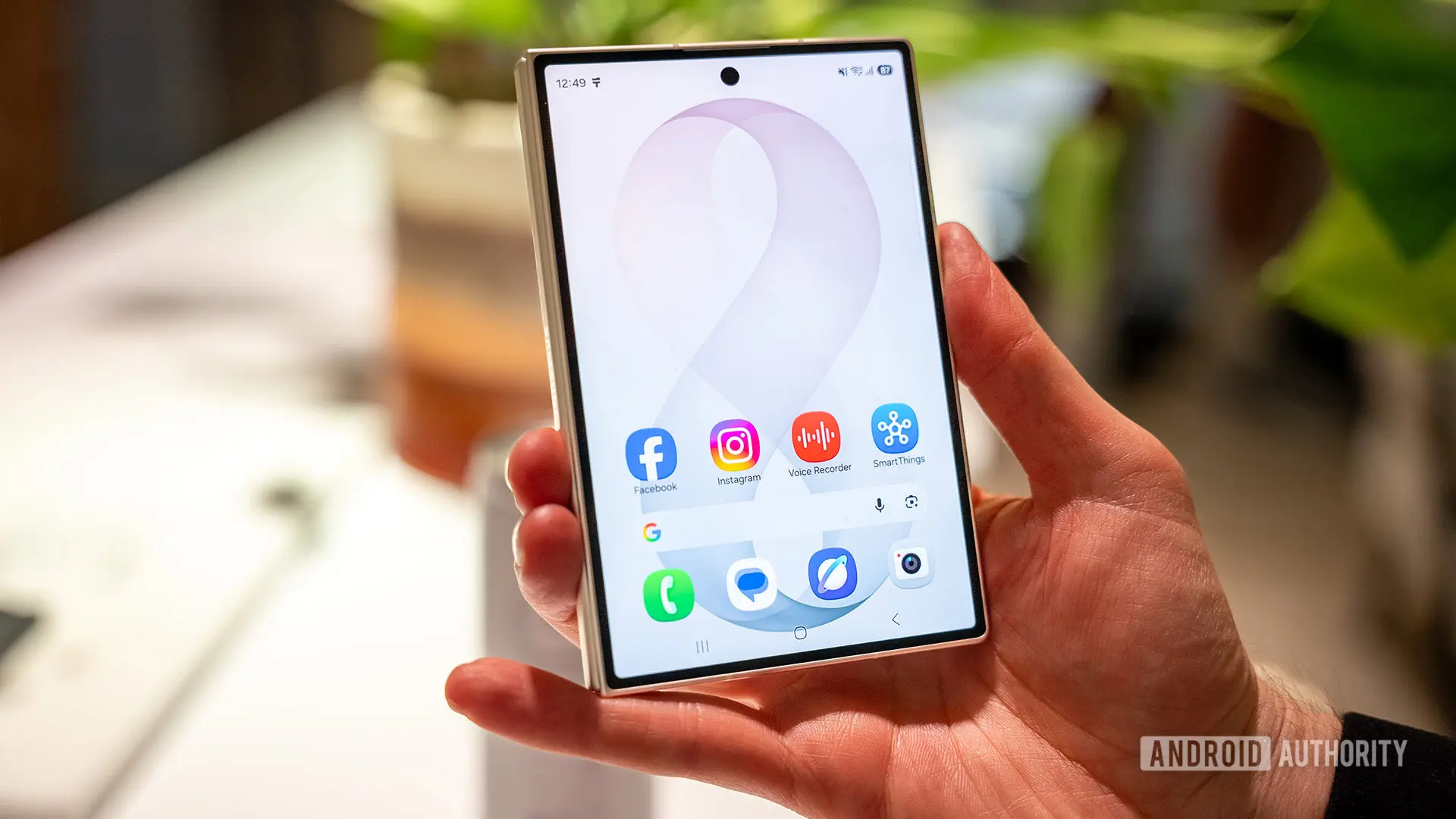
Samsung's latest foldable devices, the Galaxy Z Fold 8 and Galaxy Z Fold 8 Ultra, have introduced a subtle yet highly practical software enhancement: per-screen rotation lock. This feature, first spotted by a Reddit user, allows the phone to remember the rotation lock setting independently for the inner and outer displays. In practice, this means users can set the cover screen to portrait orientation while keeping the main folding screen in landscape, without having to manually toggle the rotation lock each time they switch between the two.
The discovery was shared by Redditor ultima40, who posted a brief video demonstration showing the new behavior. In the clip, the device is shown with the cover screen locked in portrait orientation. When unfolded, the interior screen automatically reverts to its own saved rotation lock setting—in this case, landscape. When folded again, the cover screen returns to portrait. This seamless transition eliminates a long-standing annoyance for foldable phone users, who often had to manually adjust orientation after unfolding their devices.
Previous Workarounds and the New Implementation
Before this update, achieving a similar effect required using Samsung's Bixby Routines feature. Users could create a routine that set a specific screen orientation when the device was closed or open. However, that approach was not as intuitive or polished as a native system setting. Routines are powerful but can be complex to set up and may conflict with other automation rules. The new per-screen rotation lock is integrated directly into the display settings, making it accessible and reliable for all users.
The feature is part of Samsung's One UI 9 software, which debuted on the Galaxy Z Fold 8 series. It is expected to roll out to other Samsung foldables, such as the Galaxy Z Fold 5 and Z Fold 6, through future updates. Given that the underlying sensor hardware and software architecture support this capability, there is no technical barrier preventing older models from receiving the same functionality. Samsung has a track record of bringing new UI features to previous generations, so owners of earlier Fold devices can be cautiously optimistic.
Per-App Screen Zoom and Other Enhancements
Alongside per-screen rotation lock, the Galaxy Z Fold 8 series also introduces per-app screen zoom controls, as reported by a tipster. This allows users to adjust the display scaling individually for each application, optimizing the viewing experience for apps that may not be fully optimized for the foldable form factor. For example, a user might want a wider view in a spreadsheet app while keeping social media apps at default zoom. These granular controls demonstrate Samsung's continued investment in refining the software experience for foldable devices.
Such features are critical as the foldable market matures. With more users adopting these devices for productivity and media consumption, the ability to customize screen behavior on a per-screen and per-app basis significantly enhances usability. The Galaxy Z Fold 8 and Fold 8 Ultra leverage their large internal displays for tasks like reading documents, editing photos, or watching videos in landscape, while the cover screen remains ideal for quick messaging or navigation in portrait.
How This Compares to Other Foldables
Competitors like Google's Pixel Fold, HONOR Magic V series, and OPPO Find N series have yet to implement a similar per-screen rotation lock feature. While many foldable devices allow rotation lock for the entire device, none currently save separate settings for each display. This gives Samsung a distinct advantage in software polish. The feature is especially useful for users who frequently switch between the two screens—for instance, starting a video on the cover screen and then unfolding to enjoy it on the larger panel.
Industry observers hope that Google and other Android OEMs will take notice and incorporate similar functionality in their custom skins. The Android Open Source Project (AOSP) does not currently support per-screen rotation lock, but manufacturers can implement it at the framework level. Samsung's implementation could serve as a reference for others, encouraging broader adoption of foldable-optimized software features across the ecosystem.
Background on Samsung's Foldable Software Evolution
Samsung has been iterating on foldable software since the original Galaxy Fold launched in 2019. Early devices required careful app management to avoid awkward transitions between screens. Over successive releases, Samsung introduced features like App Continuity, which lets users seamlessly switch apps from the cover to the main screen, and Multi-Active Window for multitasking with up to three apps simultaneously. The addition of per-screen rotation lock is another step toward making foldables as intuitive as traditional smartphones.
One UI itself has undergone significant changes to accommodate foldable form factors. The launcher now supports different grid sizes for each screen, and the taskbar provides quick access to frequently used apps. Samsung's Good Lock modules offer even deeper customization, including the ability to configure rotation behavior for individual apps. However, the per-screen rotation lock centralizes this control in the system settings, reducing the need for third-party tools.
The Galaxy Z Fold 8 and Fold 8 Ultra also feature improved hinge mechanisms and lighter builds, making them more comfortable to use in both folded and unfolded states. The software enhancements complement these hardware refinements, creating a more cohesive user experience. For power users who rely on their foldable as a primary device, the new rotation lock can save time and reduce frustration.
Potential Future Updates and Wider Implications
Looking ahead, it is likely that per-screen rotation lock will become a standard feature in future One UI releases for all foldable devices from Samsung, including the Galaxy Z Flip series. The Flip models, which fold vertically, could also benefit from independent rotation lock for the cover screen and main display. Additionally, Samsung might expand the feature to tablets with detachable keyboards or dual-screen laptops, as the concept of remembering orientation per display is broadly applicable.
The broader implication for the Android ecosystem is that custom software features for foldables are becoming a differentiator. As competition intensifies, manufacturers will seek unique experiences to attract buyers. Per-screen rotation lock may seem like a small detail, but it exemplifies the kind of thoughtful software design that can make a big difference in daily use. Google, in particular, has been working to improve foldable support in Android itself, with the release of Android 14L and subsequent updates. Native support for per-display settings could eventually be baked into the core platform, benefiting all devices.
For now, Samsung leads in this specific area, but rivals are not far behind. HONOR has introduced smart rotation features in its Magic UI, and OPPO's ColorOS includes advanced multitasking gestures. The race to perfect the foldable experience is ongoing, and features like per-screen rotation lock set a new baseline that others will need to match.
Ultimately, the Galaxy Z Fold 8 series represents the culmination of years of refinement. The per-screen rotation lock is just one of many improvements that make these devices more practical for everyday use. As the foldable market expands from early adopters to mainstream consumers, such attention to software detail will be crucial in driving adoption. Samsung's move to implement this feature natively sends a clear message: foldables are no longer experimental—they are mature platforms deserving of mature software.
Source:Android Authority News