

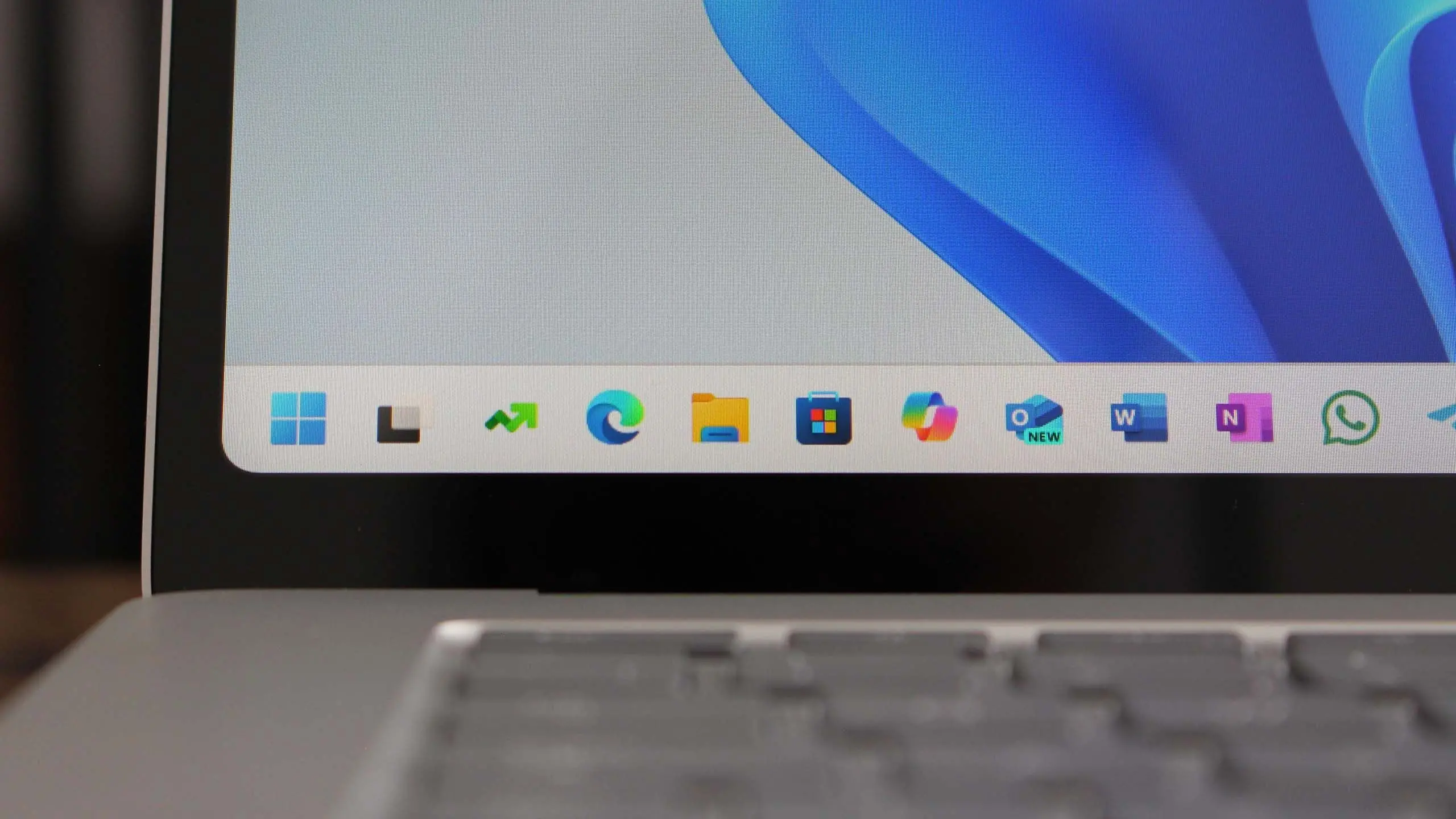
Microsoft continues to refine its flagship operating system with Windows 11 version 25H2, the next major feature update expected to roll out in the second half of 2025. While the company has not officially confirmed all details, leaks and insider builds provide a clear picture of what users can anticipate. This update builds on the foundation of Windows 11, introducing enhancements in productivity, security, and user experience.
Release Timeline and Naming
Windows 11 version 25H2 follows the annual feature update pattern established by Microsoft. The "25H2" designation indicates a release in the second half of 2025. Historically, such updates begin rolling out in September or October, with broad availability by late 2025. As with previous releases, Microsoft will provide preview builds through the Windows Insider Program before the final version.
Some speculation suggests the update might be marketed as a "2025 Update" to simplify the naming for consumers. However, internally it remains version 25H2.
Key Features and Improvements
Revamped Desktop and Start Menu
One of the most anticipated changes is a more customizable Start menu. Users may gain new layout options, including the ability to add folders and adjust the grid size. The taskbar is also expected to receive improvements, such as better handling of multiple monitors and a redesigned system tray with clearer icons.
AI Integration with Windows Copilot
Building on the Copilot feature introduced in 2023, version 25H2 will deepen integration of AI across the OS. Copilot is likely to gain more proactive suggestions, such as summarizing documents, adjusting system settings based on context, and generating images directly within apps. Microsoft has hinted at tighter integration with Microsoft 365 apps and Bing Chat.
Enhanced Security and Privacy
Security remains a cornerstone of Windows 11. Version 25H2 will include improved phishing protection in Microsoft Defender SmartScreen, more granular privacy controls for microphone and camera access, and a new "Secure Core" mode that further isolates sensitive processes. Windows Hello will support additional biometric methods, including iris scanning on compatible hardware.
Performance and Efficiency
Microsoft is focusing on making the OS faster and more power-efficient. Improvements in memory management and CPU scheduling are expected, particularly for devices with low-end hardware. The update will also include better support for energy-efficient cores in hybrid architectures (like Intel 12th Gen and later).
Windows Subsystem for Linux (WSL) and Developer Tools
Developers will benefit from updates to WSL, including better filesystem performance and direct GPU support for machine learning workloads. The Windows Terminal will gain new features like split panes and improved theming. Additionally, the update will streamline the development environment for .NET and web applications.
System Requirements
Windows 11 version 25H2 is expected to maintain the same baseline system requirements as the original Windows 11 release: a compatible 64-bit processor with at least 4GB of RAM, 64GB of storage, UEFI with Secure Boot, and TPM 2.0. However, Microsoft may relax some restrictions for newer hardware or add support for additional ARM processors. Users of older devices should verify compatibility before upgrading.
How to Get Windows 11 Version 25H2
As with previous feature updates, version 25H2 will be delivered via Windows Update as a free upgrade for existing Windows 11 users. Insiders can preview early builds by joining the Windows Insider Program in the Dev Channel. Enterprise users will have the option to defer the update using Windows Update for Business or WSUS.
It is recommended to back up important data before any major OS update. Microsoft also provides a Media Creation Tool for ISO downloads for clean installations or upgrades on unsupported devices.
Comparison with Windows 11 Version 24H2
Version 25H2 brings more refinements than its predecessor. While 24H2 focused on introducing the Copilot sidebar and improving accessibility, 25H2 dives deeper into AI, offers a more polished desktop, and enhances security. Performance optimizations are also more aggressive, promising smoother multitasking and faster boot times.
One major difference is the emphasis on cloud integration. Microsoft aims to synchronize settings and preferences across multiple devices more seamlessly, which may require a Microsoft account.
Known Issues and Considerations
As with any major update, early adopters may encounter bugs. Common issues in Insider builds have included driver incompatibilities and problems with third-party antivirus software. Microsoft will address these during the preview phase, but some might persist at launch. Users with critical workflows should consider waiting for the first cumulative update.
Additionally, some legacy applications may not run correctly under the new security features. Microsoft recommends checking application compatibility via its PC Health Check tool.
Windows 11 version 25H2 represents Microsoft's continued vision of a secure, modern, and AI-enhanced operating system. With a focus on user experience and performance, this update promises to be a significant step forward. As the release date approaches, more details will emerge from official Microsoft channels and Insider builds. Stay tuned for further announcements.
Source:Windows Central News